The People Leader Playbook
Role: Senior Specialist, People Development
Timeline: 1 month
Tools: Storyline, Camtasia, Play AI, SharePoint
Stakeholders: People Practices, MSG Leaders
Problem: People leaders across MSG needed a comprehensive overview of their role within the employee journey — hiring, onboarding, performance, development, and more. The content arrived as a dense, fully approved script intended for a 1:1 translation into narrated slides that would take approximately 1 hour to complete.
Outcome: I delivered an interactive course that cut the default run time to under 30 for most learners — not by removing content, but by giving learners control over how they moved through it.
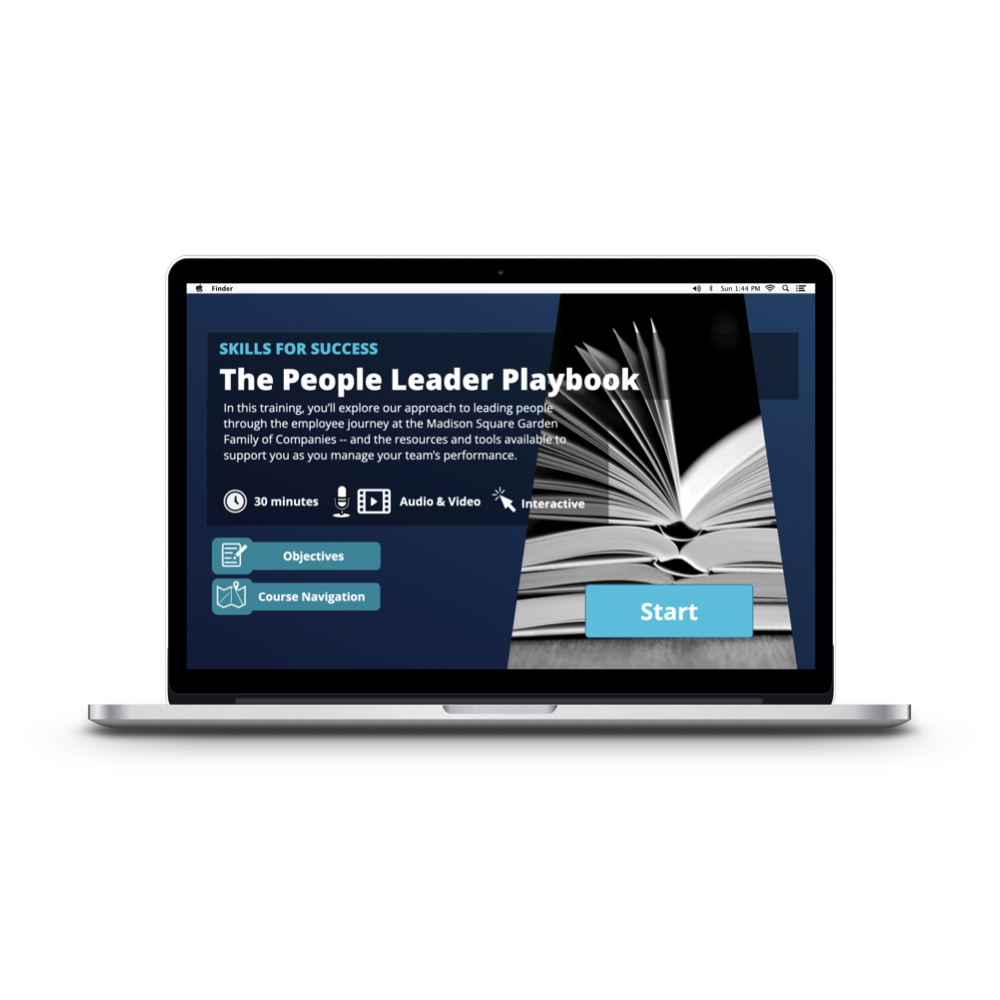
Prep
When this project landed on my desk, the content was already written and approved as a script.
My job, as scoped, was to turn that script into narrated slides. But.
The script was dense. It was truly useful material for any manager navigating the employee journey at MSG. But a 60-minute narrated slide deck, no matter how accurate, is a lot to sit through. And not everything is relevant to everyone. A new manager hiring for the first time has different needs than a seasoned leader brushing up on performance conversations. Treating them the same way wastes both of their time!
So, in lieu of cuts, I looked for places to give learners control.
Development
There were three moments where I made the case to do something other than narrated slides.
The first was a section explaining the different types of employees across MSG — corporate staff, events staff, venue employees, and so on. The original approach was a series of static slides. I proposed replacing it with a 60-second narrated video instead, so it felt more like marketing at the top of the training. It covered the same ground in less time — and with more energy than a bulleted list could offer.
The second was a four-part section on the employee journey. My manager's instinct was to walk learners through each stage sequentially with narration. I proposed an interaction instead: a clickable diagram where learners could select whichever stage of the journey was most relevant to them and explore the content at their own pace, in their own order. A manager who's in the middle of a performance cycle doesn't need to sit through Hiring & Onboarding to get there.
The third was the tools section — a sweep of nine systems and platforms that people leaders use across the organization. The original plan was a slide-plus-narration sequence for each tool. I turned it into a click-through interaction: each tool expanded into three tabs (The Company, Your Team, You) that explained how each part of the business used it. Learners could go as deep or as shallow as they wanted, and skip the tools that weren't relevant to their role.
None of these changes touched the approved content — just how the learners engaged with it.
Bonus: we now had three new and reusable Storyline interactions!
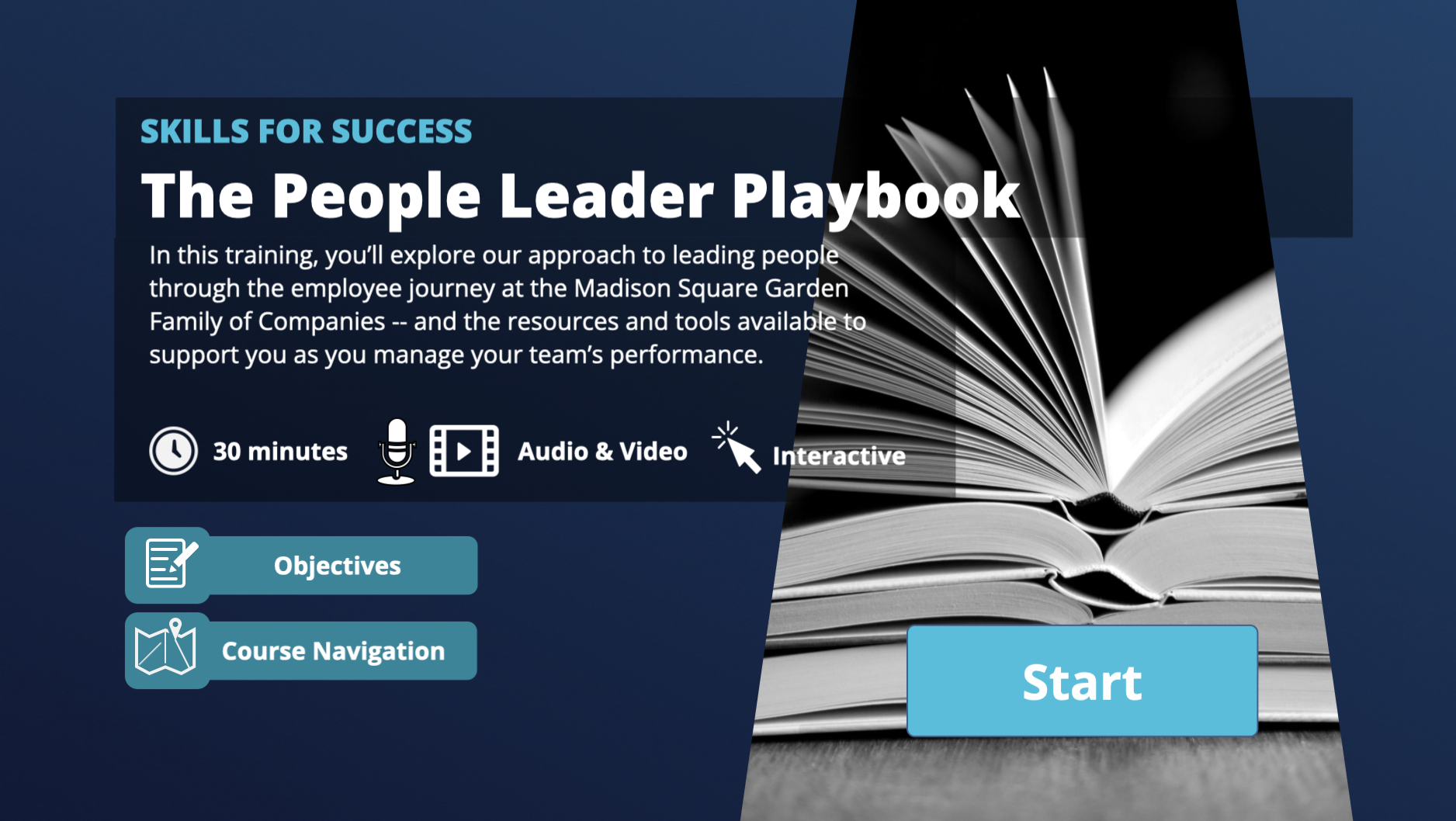
Course intro screen
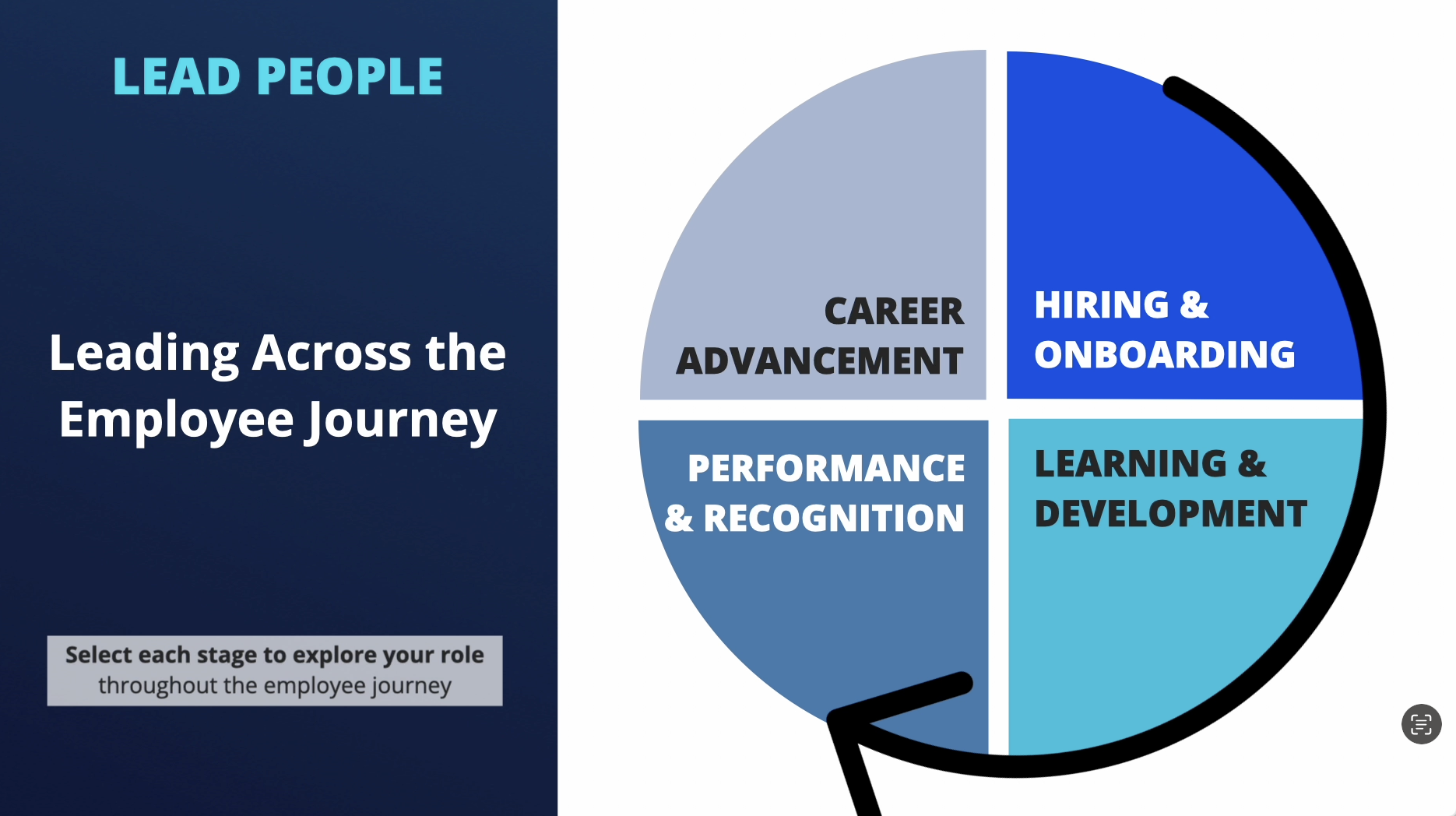
Employee journey interaction
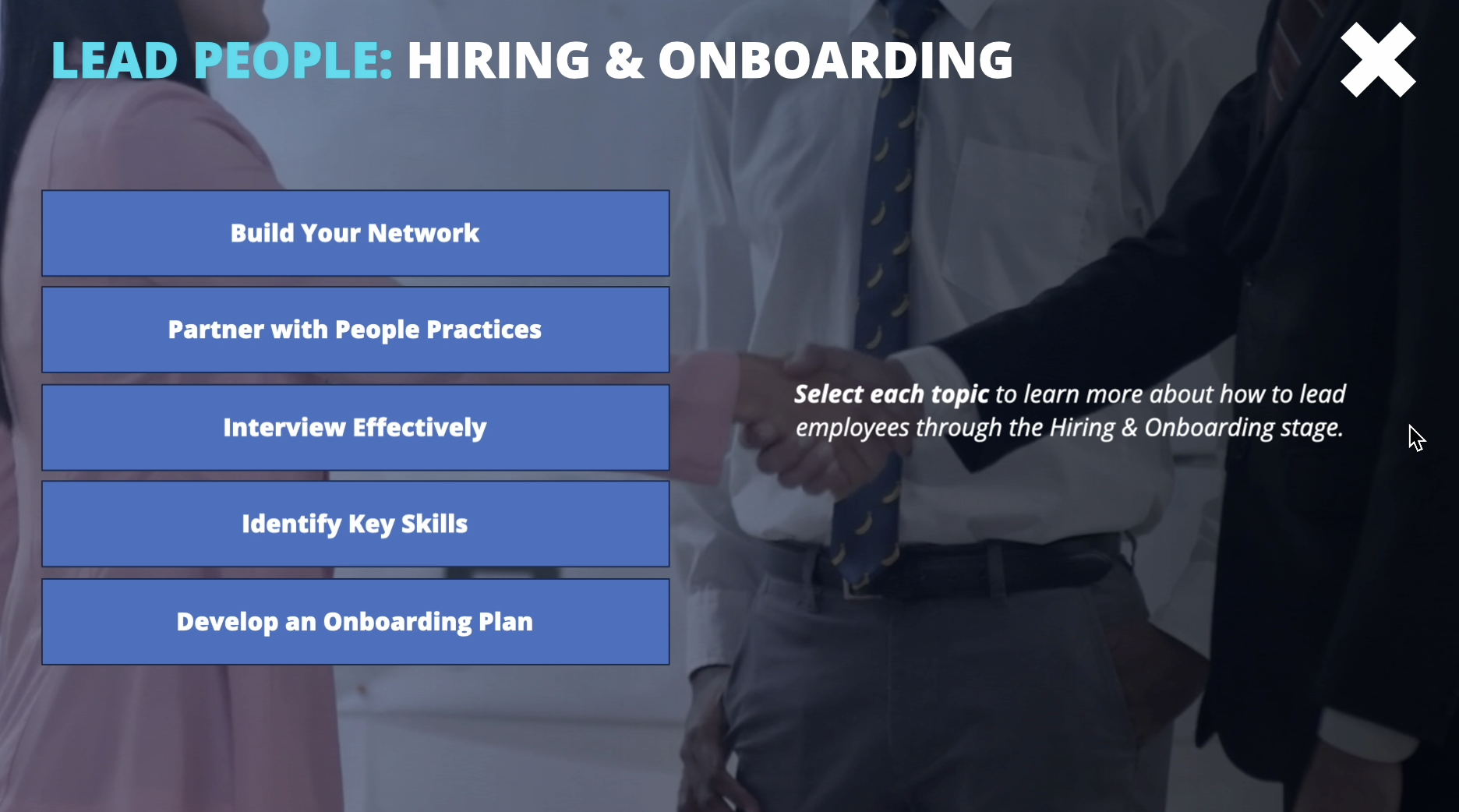
One section of the employee journey
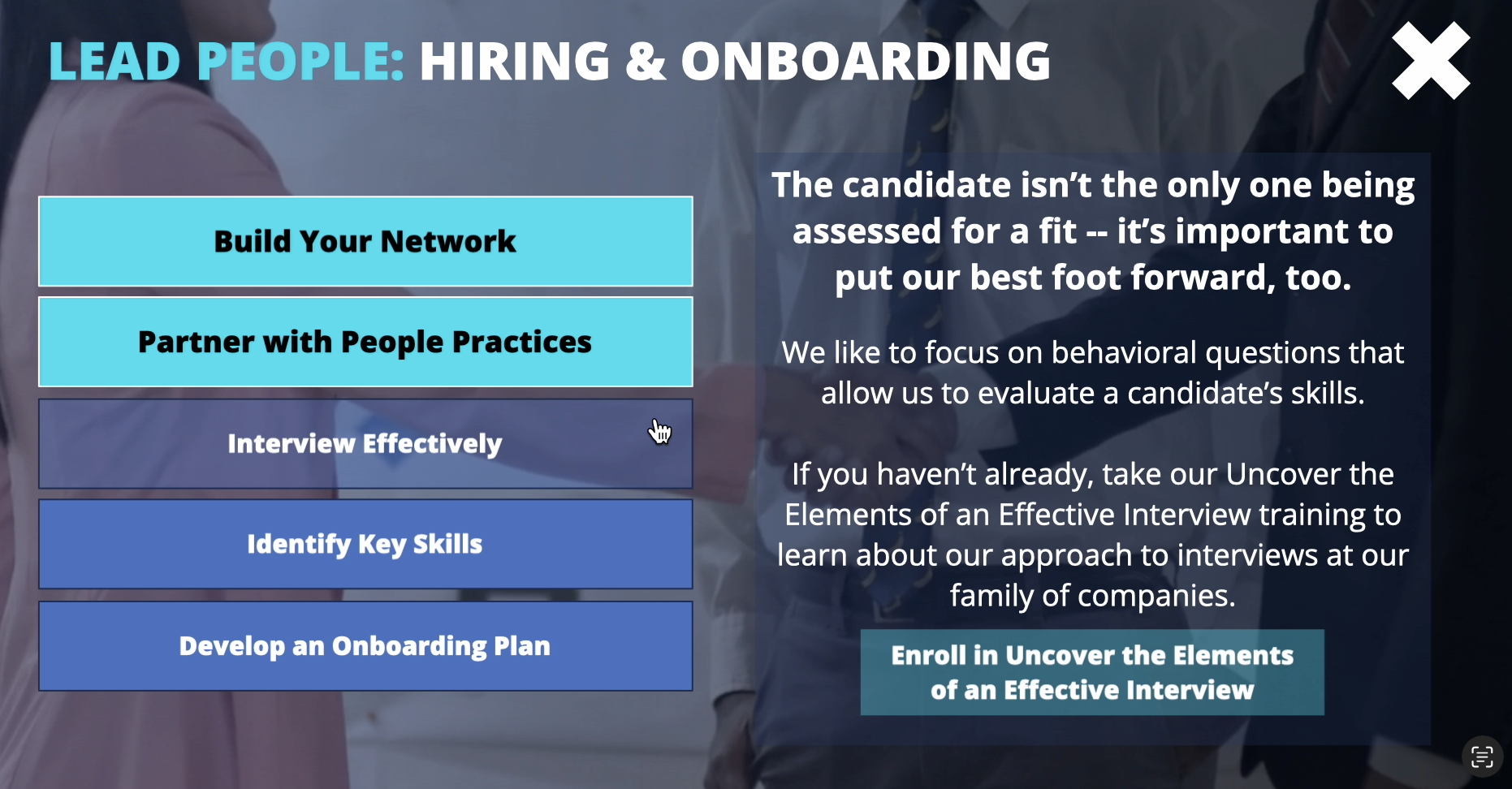
A section of the employee journey, with resources and previously visited buttons
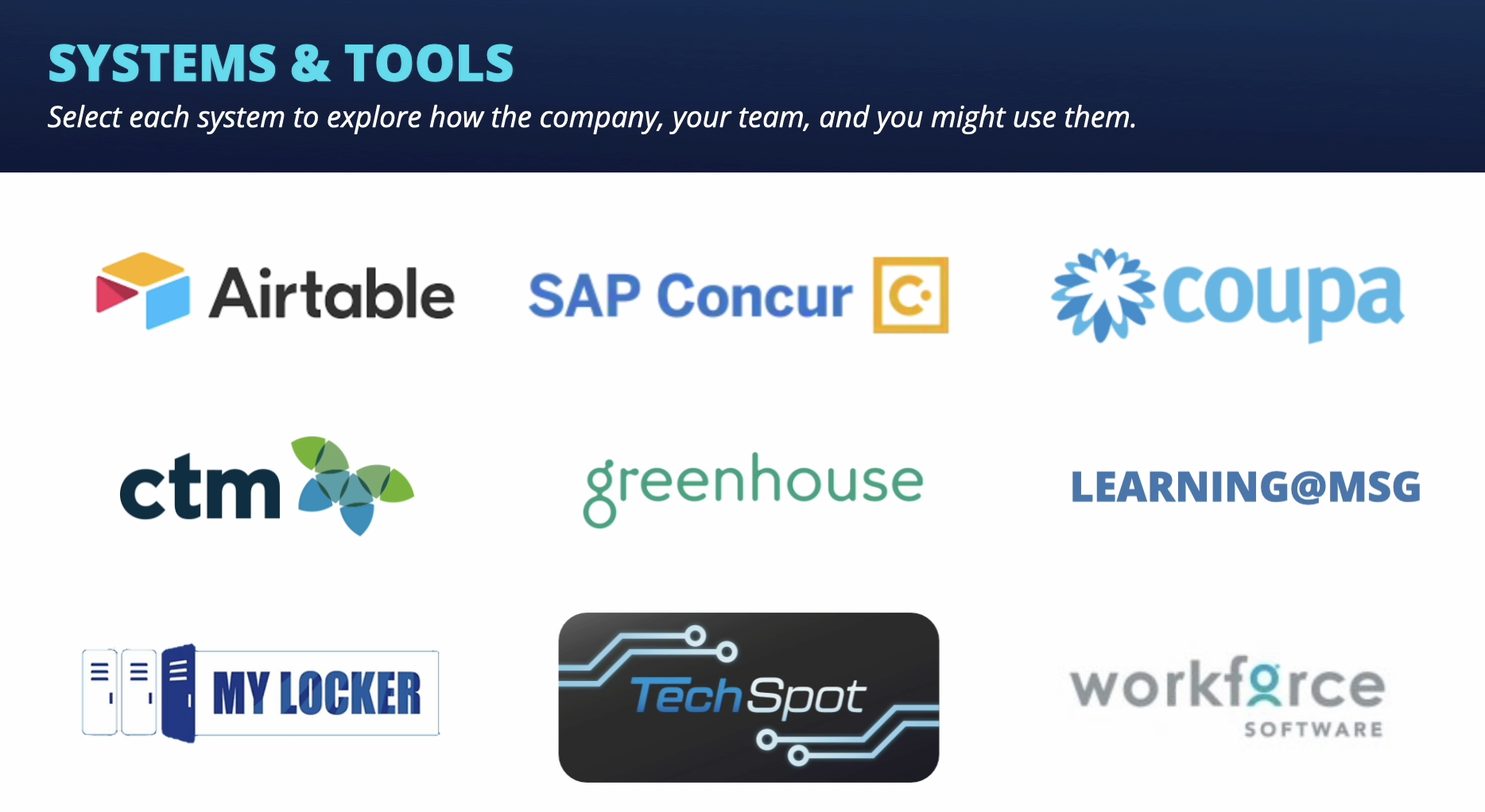
The tools engagement - learners could choose each one to explore
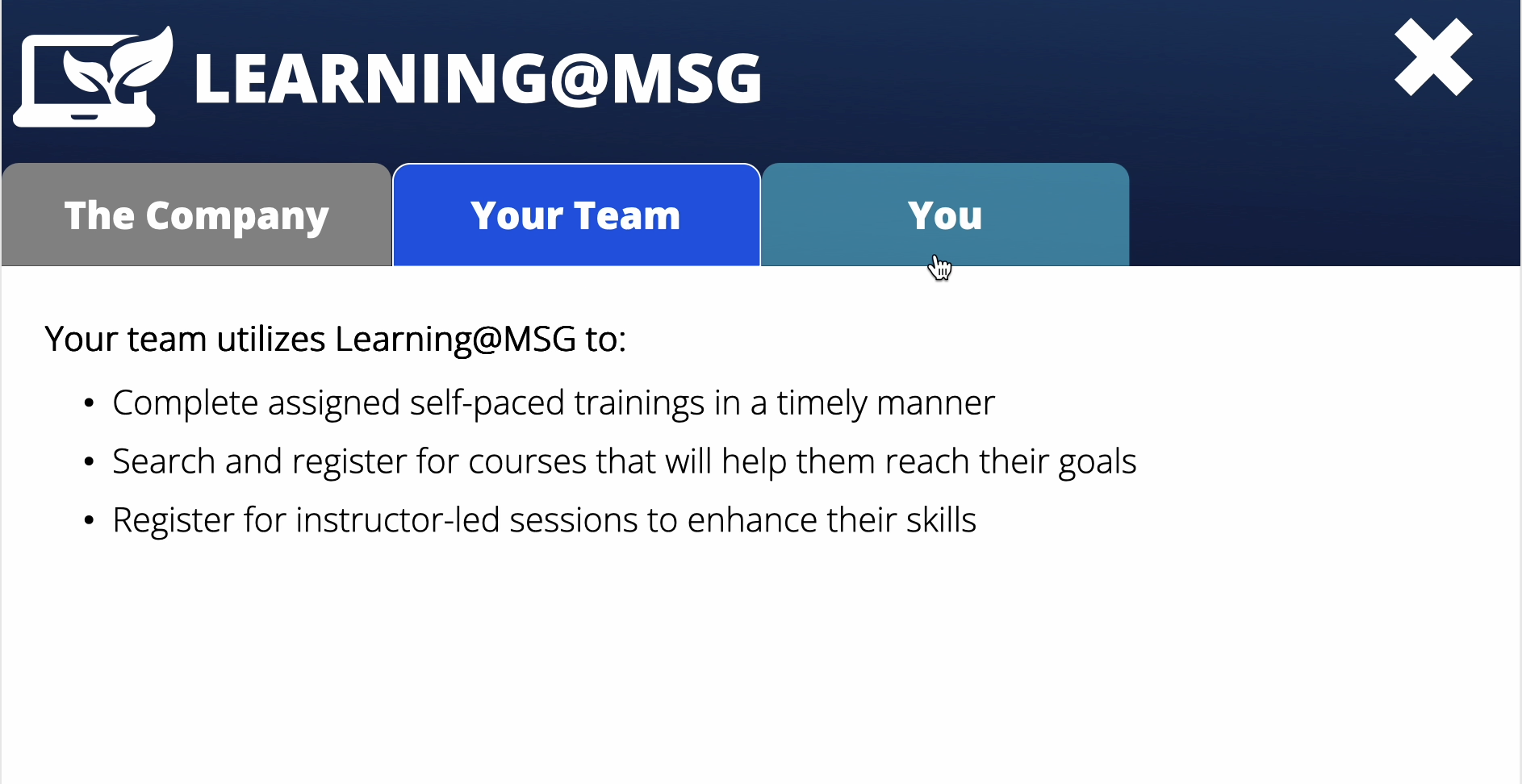
Tools explainer - each one had a screen for how the company (previously visited, here), your team (active tab), and "You" use the tool.
What I’d do differently today:
The course is called a "playbook," and I'd love for it to actually feel like one — something you reference when you need it, not something you complete once and close. I’d love a re-do where I’m scoping it from the start — something we can make into a true playbook format, where leaders could jump directly to the section relevant to their current situation, would serve the audience much better than a linear course.
I'd also push harder on the language. The script came to me approved and largely untouchable, and there are moments where it reads more like a policy document than a conversation with a manager.
Given more runway, I'd want to make it sound less like something that was written for managers, and instead turn the playbook into a conversation with them where they’re part of the experience.