Skills in Action Microlearning Series
Role: Instructional Designer
Timeline: 1 month
Tools: Rise, SharePoint
Stakeholders: People Practices
Problem: The Learning team's monthly Skills for Success initiative had a strong live session component, but the topics that didn't make it into the ILT sessions were simply being cut — leaving useful content on the floor.
Solution: A microlearning series and reusable template, adopted as an ongoing initiative and handed off to the intern cohort to continue developing. Two initial microlearnings launched during Communication month: Scheduling and Preparing for Meetings and Writing Effective Emails.
What’s the problem?
The series started with a document of leftovers.
The program manager for Skills for Success, MSG’s internal talent development program focused on skills-based offerings, came to me with topics she'd cut for time in a live training. She asked if I thought they'd be useful for anything.
I came to our next weekly team meeting with a pitch: a microlearning, developed in parallel with each month's live sessions, and included in the monthly newsletter. Short, interactive, built around a consistent format learners could recognize and return to — and bespoke to the unique needs of MSG.
That became Skills in Action.
Prep
The template was as important as the content.
Learners perceived learning from MSG as time-consuming and bulky, so I wanted Skills in Action to feel light — a format that communicated sign in, engage, complete before a learner even started. If the format is recognizable and light, people are more likely to trust it, finish it, and come back for the next one. So I built the template first, and designed both microlearnings to fit within it.
Each course is under seven minutes and includes at least one moment where the learner has to actively make a decision.
Development
For Communication month, I built two microlearnings.
Scheduling and Preparing for Meetings introduced a framework for defining meeting purpose: every meeting should exist to Inform, Collaborate, or Decide. Learners apply it by helping colleagues with their meeting invites — a framing I like to use in scenarios to avoid people having to decide what they’d do, since they might not always agree with the choices.
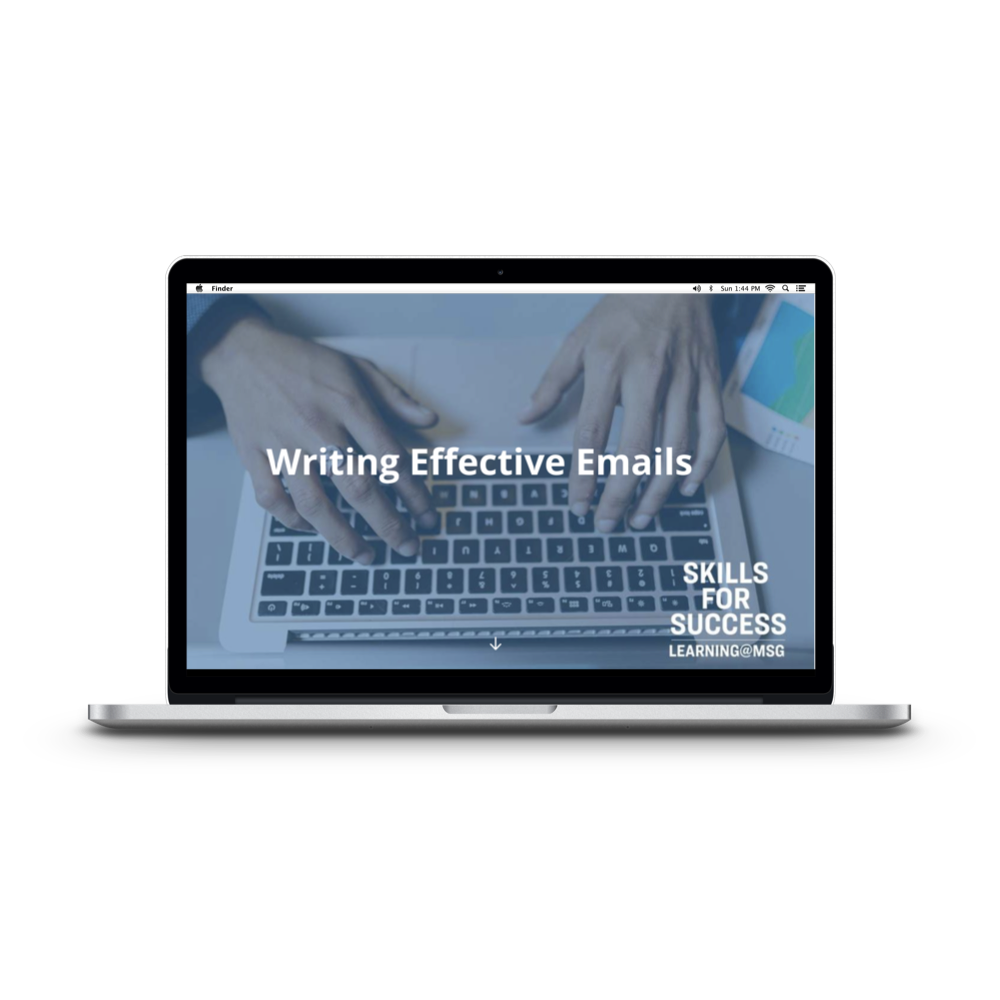
Writing Effective Emails used the same approach. Learners met Sandra, a project manager who brings them a draft email for feedback. Working from subject to sign-off, they identified issues with tone and organization and selected the best revision at each step. Two flip cards framed showed the before and after at the end, so learners can compare directly.
Both courses were handed off to student associates with the template and topics for future months. The series continued after I was reallocated to Storyline-based projects.
Scheduling and Preparing for Meetings microlearning entry
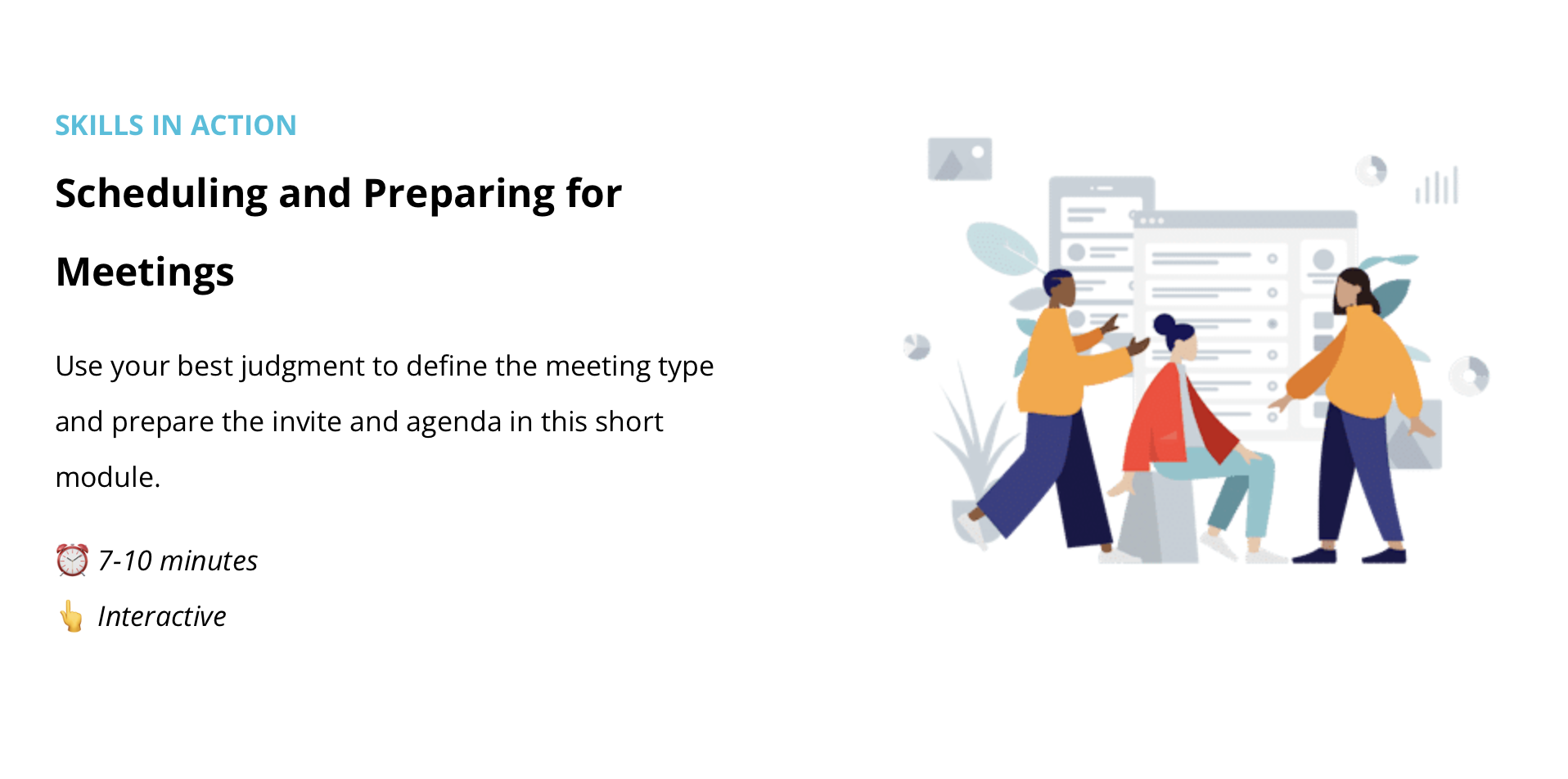
Scheduling and Preparing for Meetings microlearning intro
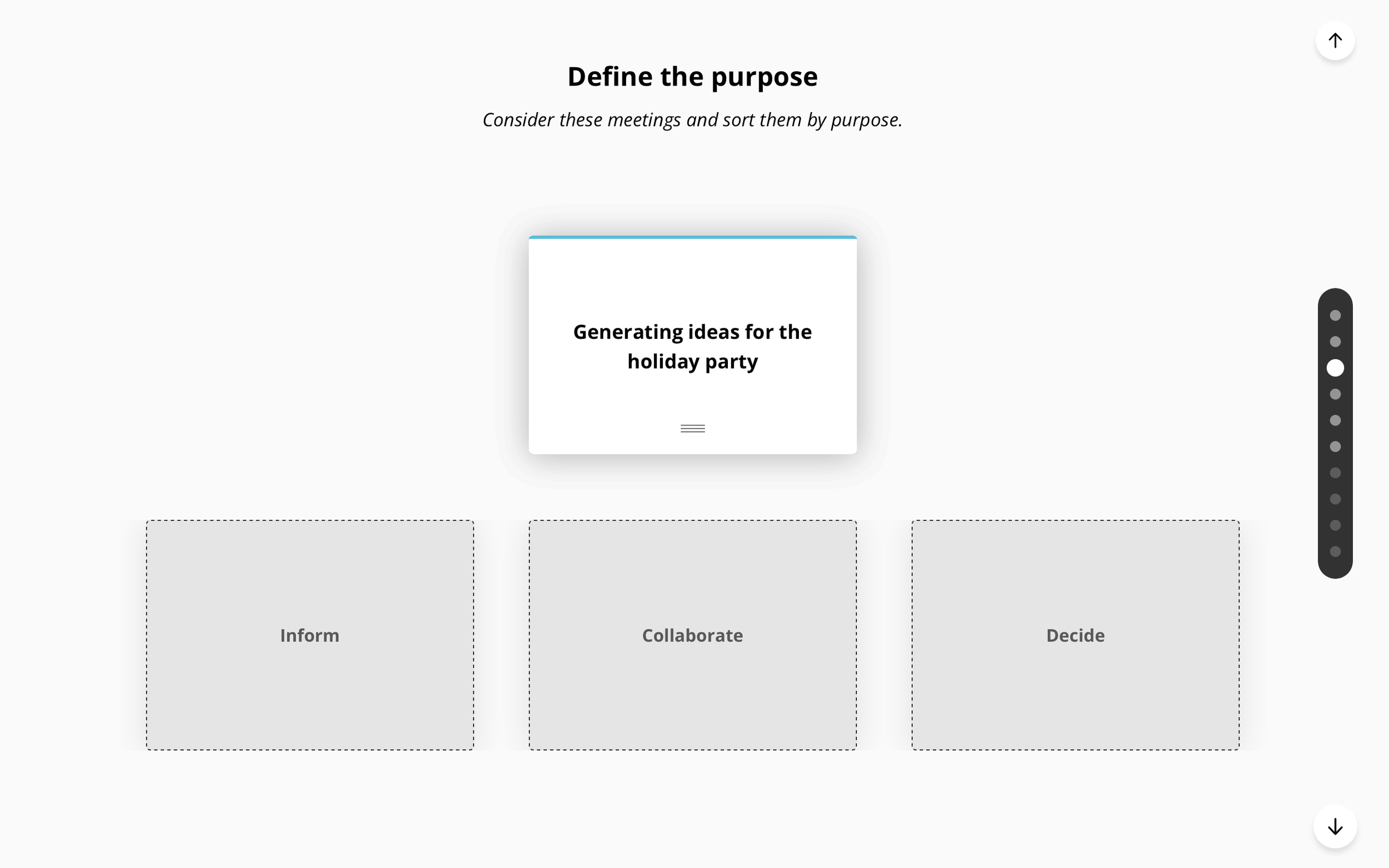
Meeting purpose sorting activity
Writing Effective Emails entry
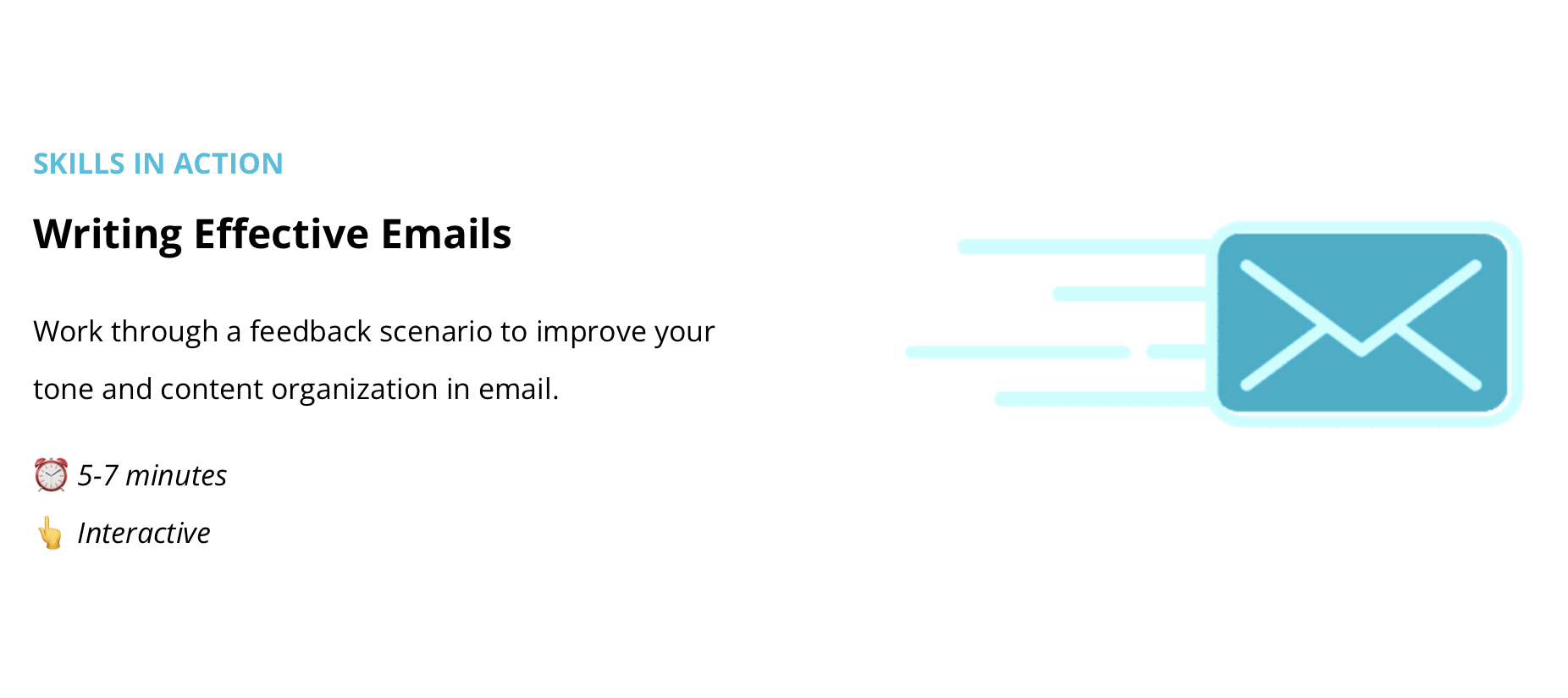
Writing Effective Emails intro
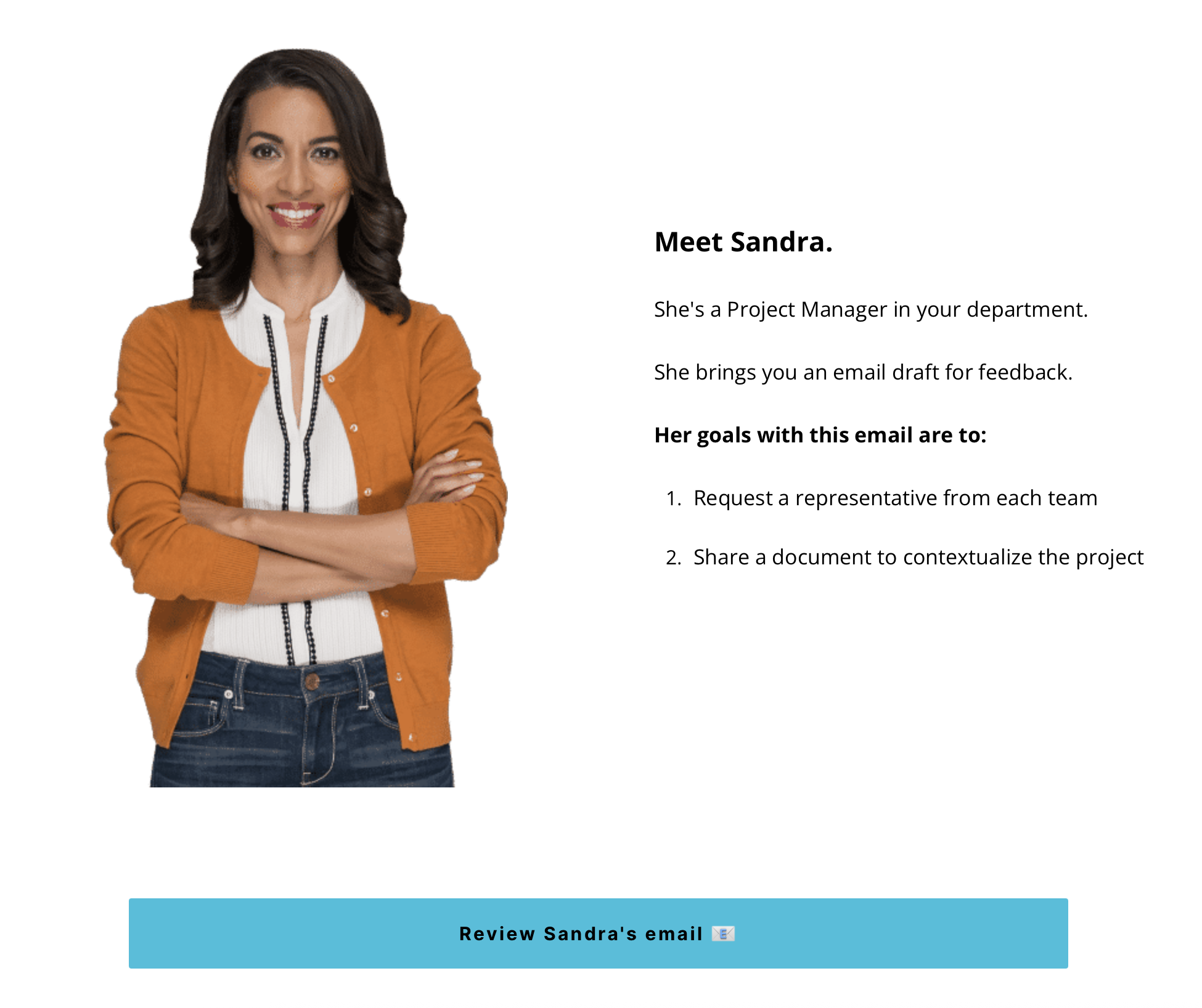
Activity instructions
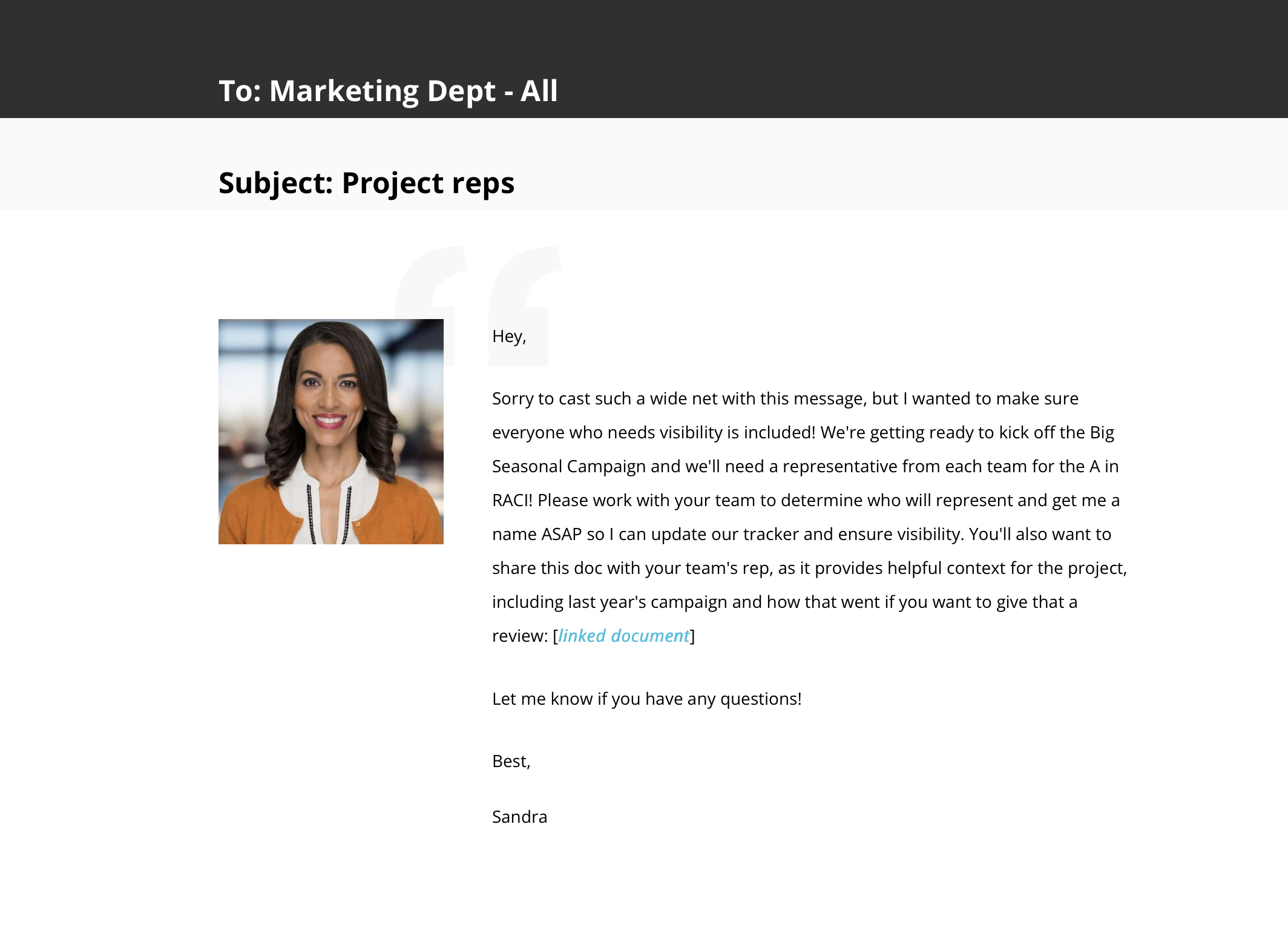
"Before" email
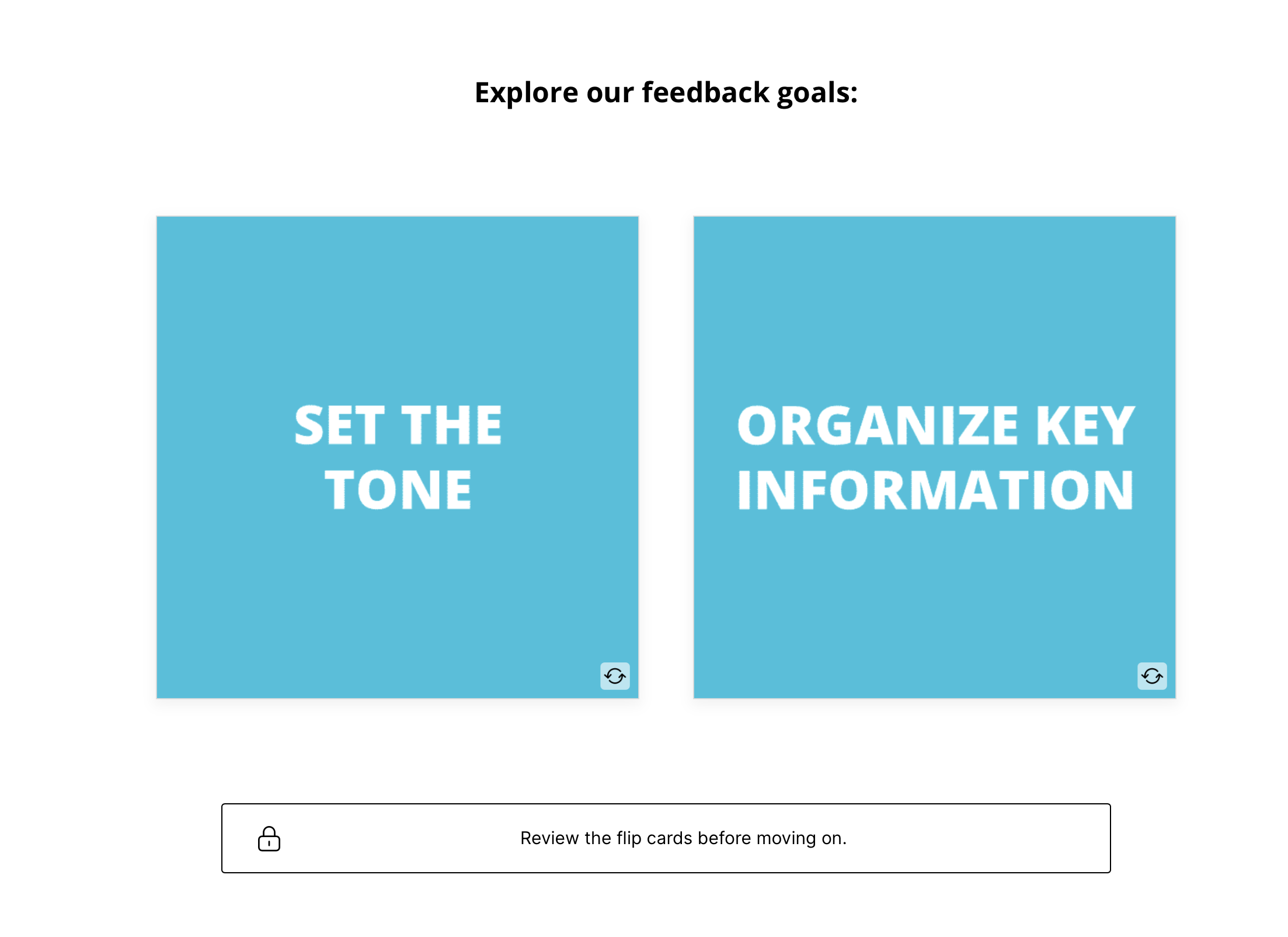
Feedback goals (unflipped)
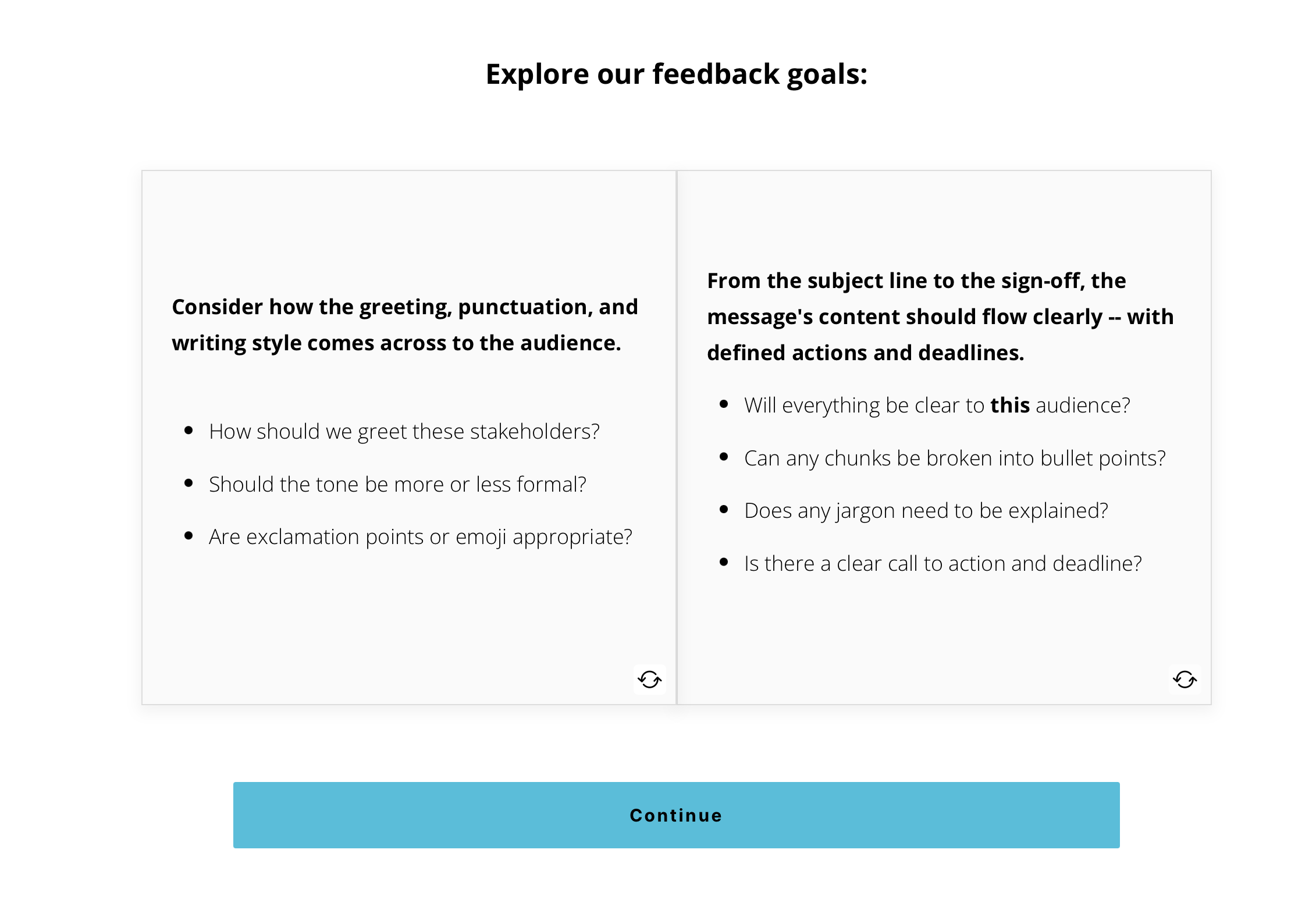
Feedback goals (flipped)
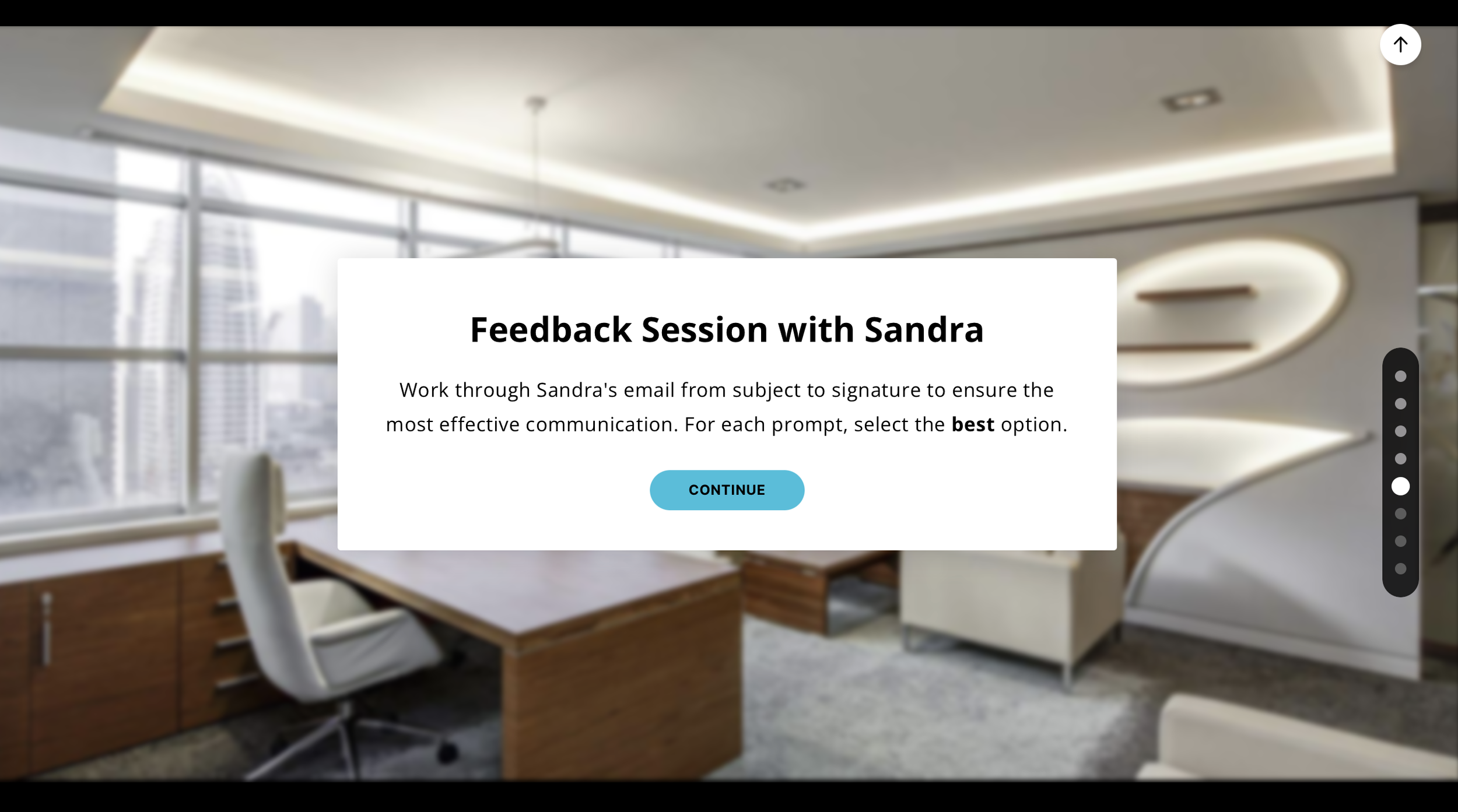
Feedback scenario introduction
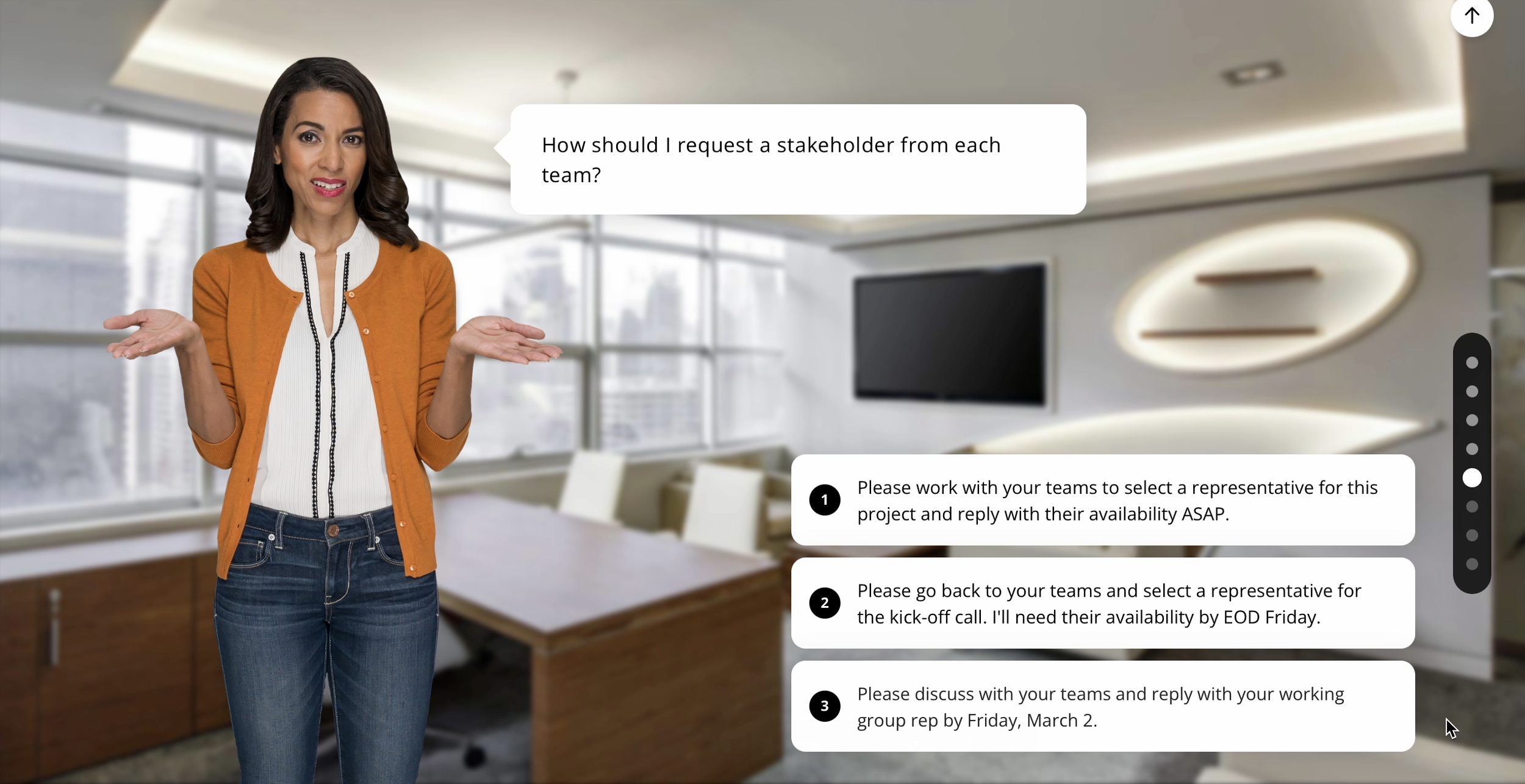
A sample from the interaction
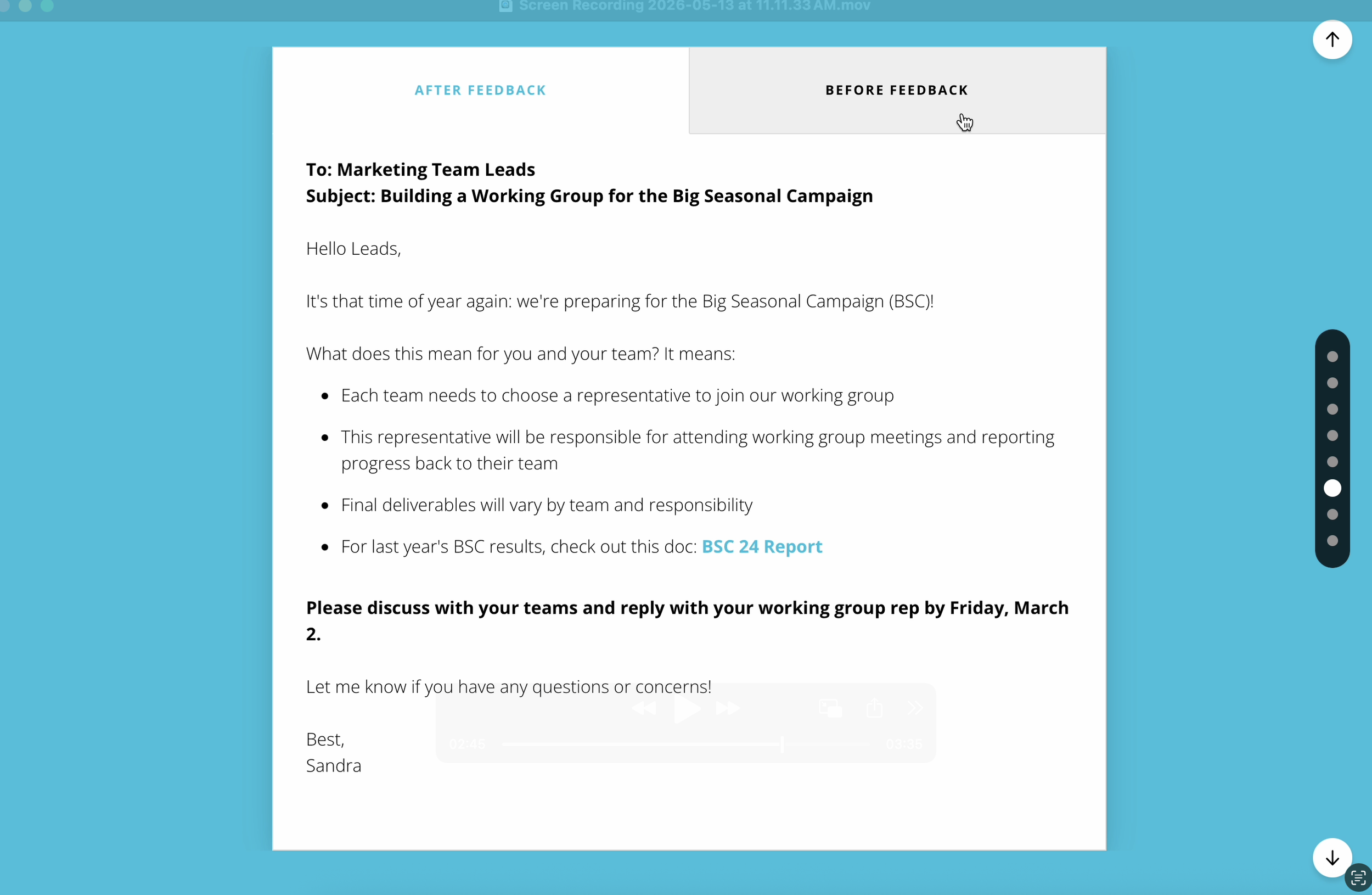
After feedback (in this order for course flow)
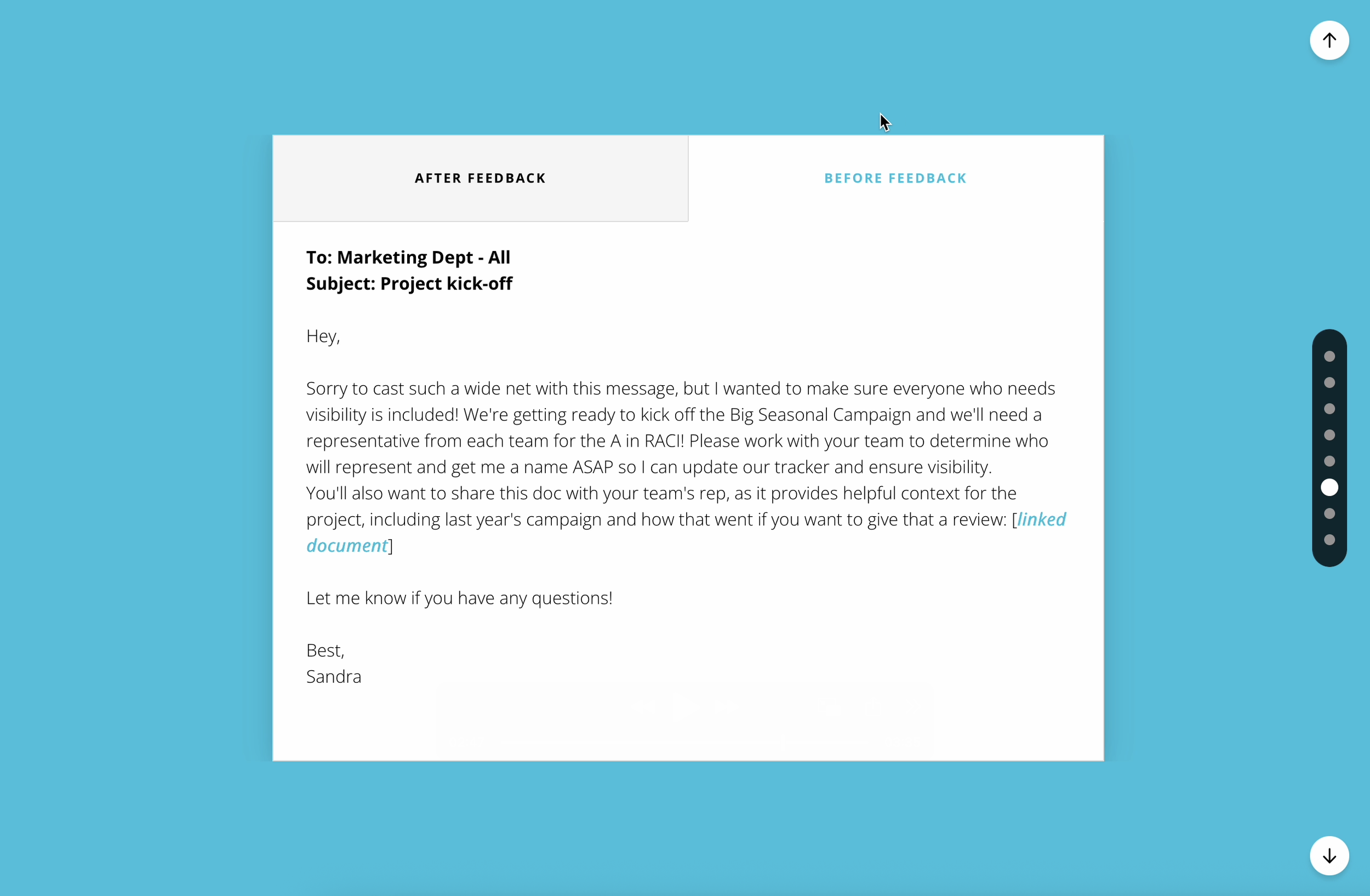
Before feedback (in this order for course flow)
What I’d do differently…
Completion rates during Communication month were lower than I'd hoped, so I went back and looked at the newsletter.
The featured content — the courses with the icons and the prominent placement — was all third-party material hosted in the LMS. The in-house Skills in Action microlearnings were at the bottom, tucked next to the live session registration link with a "Can't make it? Try these" framing. They'd been positioned as the consolation prize.
The fix is simple: lead with what you built. Give the in-house microlearnings the top placement and the visual treatment, and push the longer third-party courses and the live session registration to the secondary position. Content that lives at the top of a newsletter gets clicked. Content at the bottom doesn't. We'd built something worth featuring — it just needed someone to market it that way.
I shared this with my coworker who writes the newsletter, and future in-house courses received top billing.